
How Apple at Work Supports Growing Businesses
Businesses rely on technology every day, but buying devices is only part of the equation. Companies also need equipment that works together and supports employees across different roles. It should also remain easy to manage as the business grows. Apple at Work, offered through Incredible Business, combines Apple's business devices with advice and support. The
How Apple at Work Supports Growing Businesses
Businesses rely on technology every day, but buying devices is only part of the equation. Companies also need equipment that works together and supports employees across different roles. It should also remain easy to manage as the business grows. Apple at Work, offered through Incredible Business, combines Apple’s business devices with advice and support. The aim is to help organisations build a technology environment that fits their day-to-day operations.
Built for flexible work
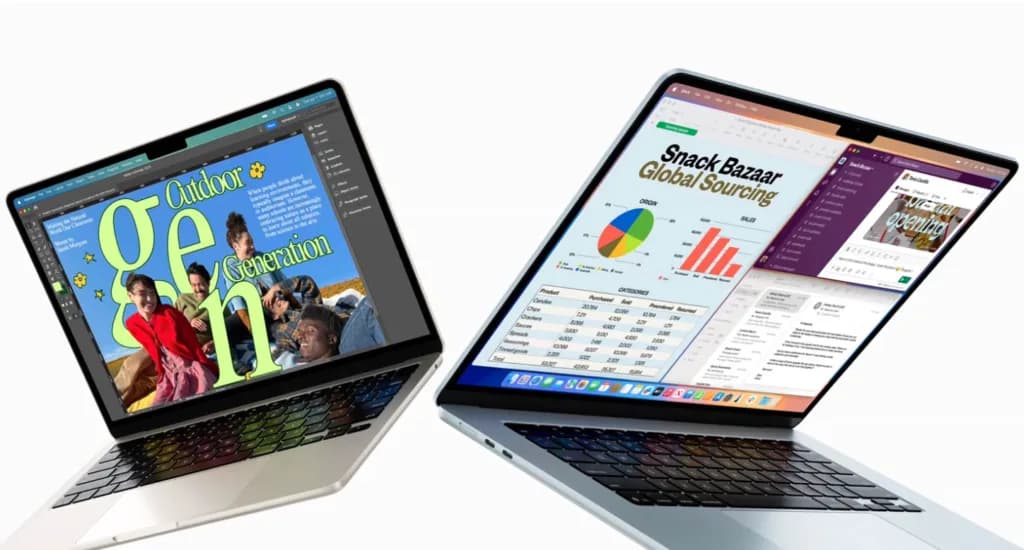
Mac, iPhone and iPad are designed to work together. Employees can move between devices without interrupting their work. Someone can start a document on a Mac, review it on an iPad and continue the conversation on an iPhone. This reduces unnecessary steps and helps teams stay productive wherever they work. Whether staff are in the office, travelling or working remotely, they can access the same tools. The platform supports sole proprietors, growing SMEs and larger organisations.
Supporting everyday business operations
Apple devices support many applications businesses already use. These include Microsoft 365, Google Workspace, Slack and Zoom. Mac handles office work, creative projects and professional applications. iPad offers a portable option for meetings, presentations and field work. iPhone keeps employees connected to customers, colleagues and business applications throughout the day. Businesses can manage a consistent technology environment across different teams instead of using separate systems for each department. As organisations grow, managing devices becomes more challenging. Apple Business Manager works with compatible mobile device management (MDM) platforms. Together, they help IT teams configure new devices, deploy applications, apply company settings and manage equipment remotely. This approach reduces manual setup. It also makes it easier to roll out devices across multiple offices or remote teams.
Security built into the platform
Protecting company data remains a priority for businesses of every size. Apple includes security features such as Touch ID and Face ID on supported devices. Apple Business Manager and compatible MDM solutions also help organisations manage devices and apply security policies from a central location. This gives IT teams greater control without making devices harder for employees to use.
Matching devices to different roles
Different employees often need different tools. Design teams may benefit from the performance of a Mac. Sales teams working in the field may prefer the portability of an iPad. Managers often rely on both a Mac and an iPhone to stay connected throughout the day. Incredible Business helps organisations choose Apple devices that match different roles and workflows. That approach avoids treating every employee’s technology needs the same. Technology decisions increasingly focus on how well systems work together over time. They are no longer only about individual devices. Apple’s ecosystem combines productivity, communication and device management in one platform. Incredible Business complements that with advice, procurement support and deployment guidance. This helps organisations choose technology that meets today’s needs while supporting future growth.